




Description
Download AnyBooks APK – e-books, download books, free e-books, online reading, reading app, book reader, digital books, read books, book library, offline reading, e-book reader, free book download, online book reading, books for free, digital reading
Overview
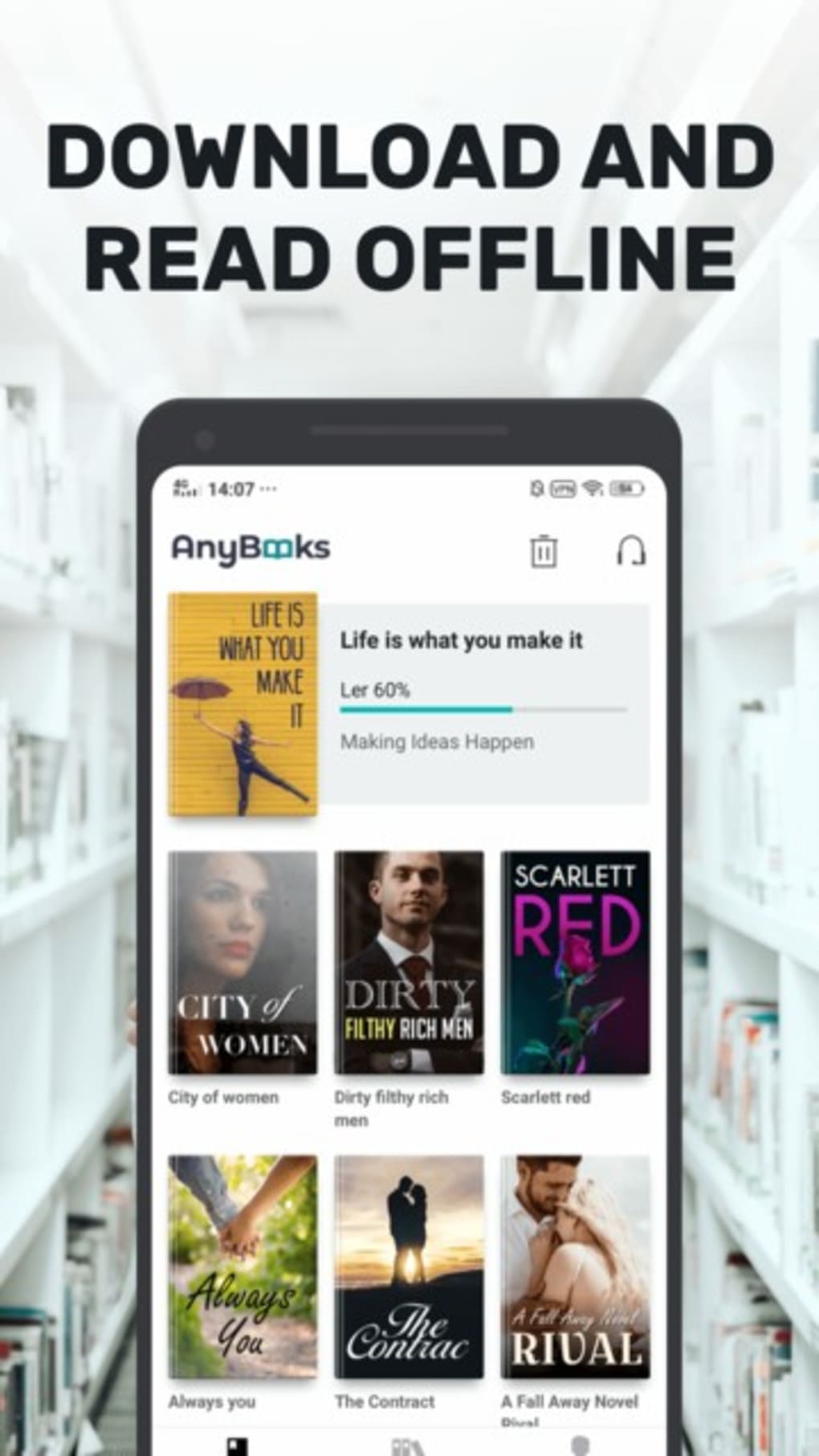
AnyBooks is a desktop application designed to serve as a comprehensive e-book reader and digital library for users seeking accessible, free reading material. The software enables users to browse and download a wide variety of e-books across multiple genres and subjects, including fiction, reference, romance, suspense, history, and lifestyle. It supports content in several languages, including English, French, German, Spanish, and various Indian languages, broadening its appeal to a global audience. The app is particularly suited for casual readers, students, and lifelong learners who value convenience and affordability in their reading experience. By eliminating the need to search multiple websites for free e-books, AnyBooks consolidates access into a single, user-friendly platform. Its core purpose is to provide an easy and secure way to read digital books anytime, anywhere, with support for offline reading. The developer, AnyBooks, has not provided additional details about their background or development philosophy. Real-world usage scenarios include reading during commutes, before bedtime, or during study breaks. The software aims to address common barriers to reading—time constraints and cost—by offering a vast, free library and a customizable reading interface.Key Features & Capabilities
- Extensive E-book Library: Access to hundreds of thousands of e-books across diverse genres and subjects, including fiction, non-fiction, history, and lifestyle content.
- Multi-Language Support: Books are available in multiple languages, including English, French, German, Spanish, and various Indian languages, enhancing accessibility for a global user base.
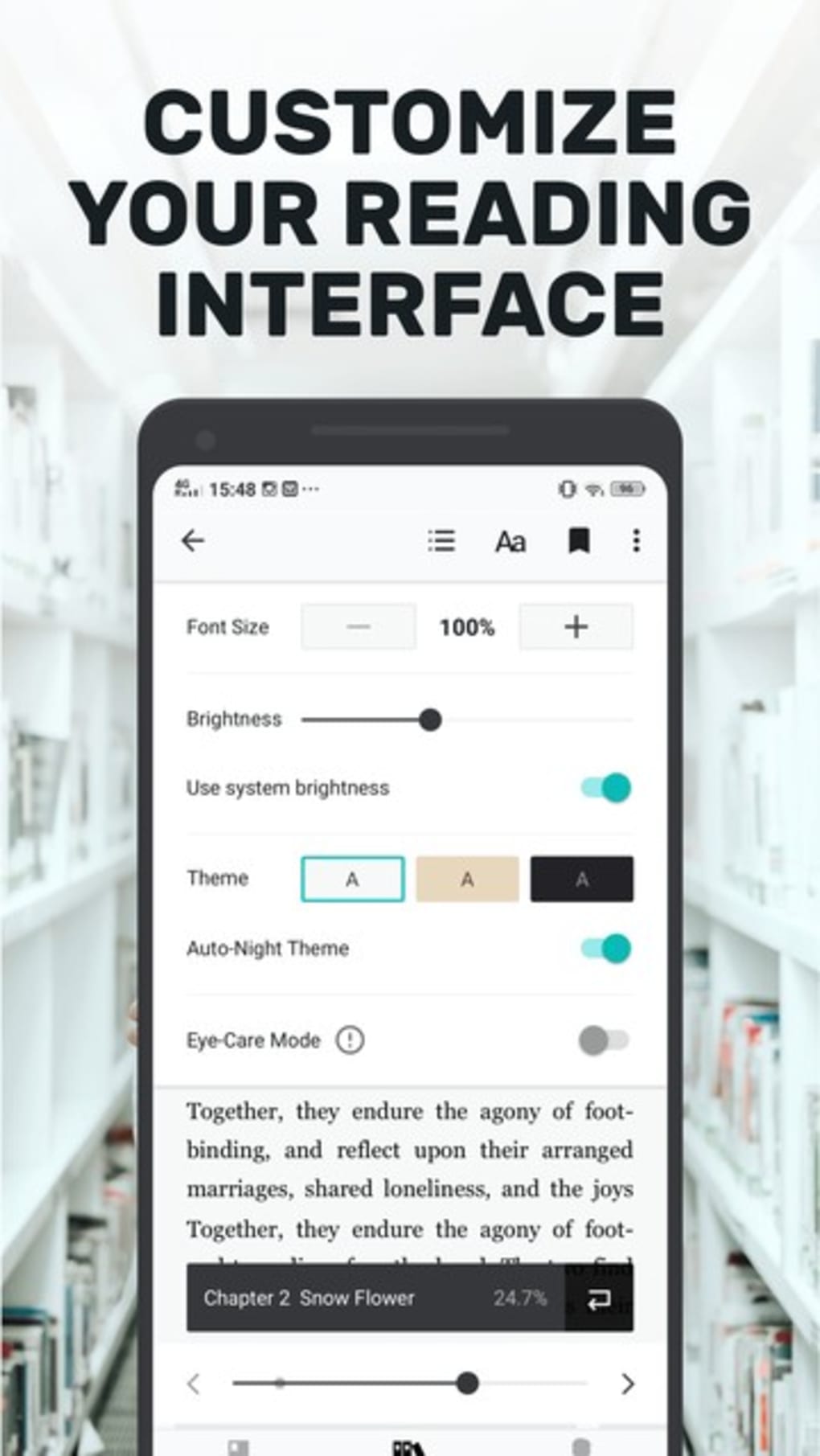
- Customizable Reading Interface: Users can adjust font size, screen brightness, and reading themes to reduce eye strain and improve readability.
- Three Reading Themes: Choose from white, night, or sepia themes to match personal preference or ambient lighting conditions.
- Auto-Night Theme: The app automatically switches to night mode based on the surrounding light, promoting better reading comfort in low-light environments.
- Offline Reading: Download books for offline access, allowing uninterrupted reading without an internet connection.
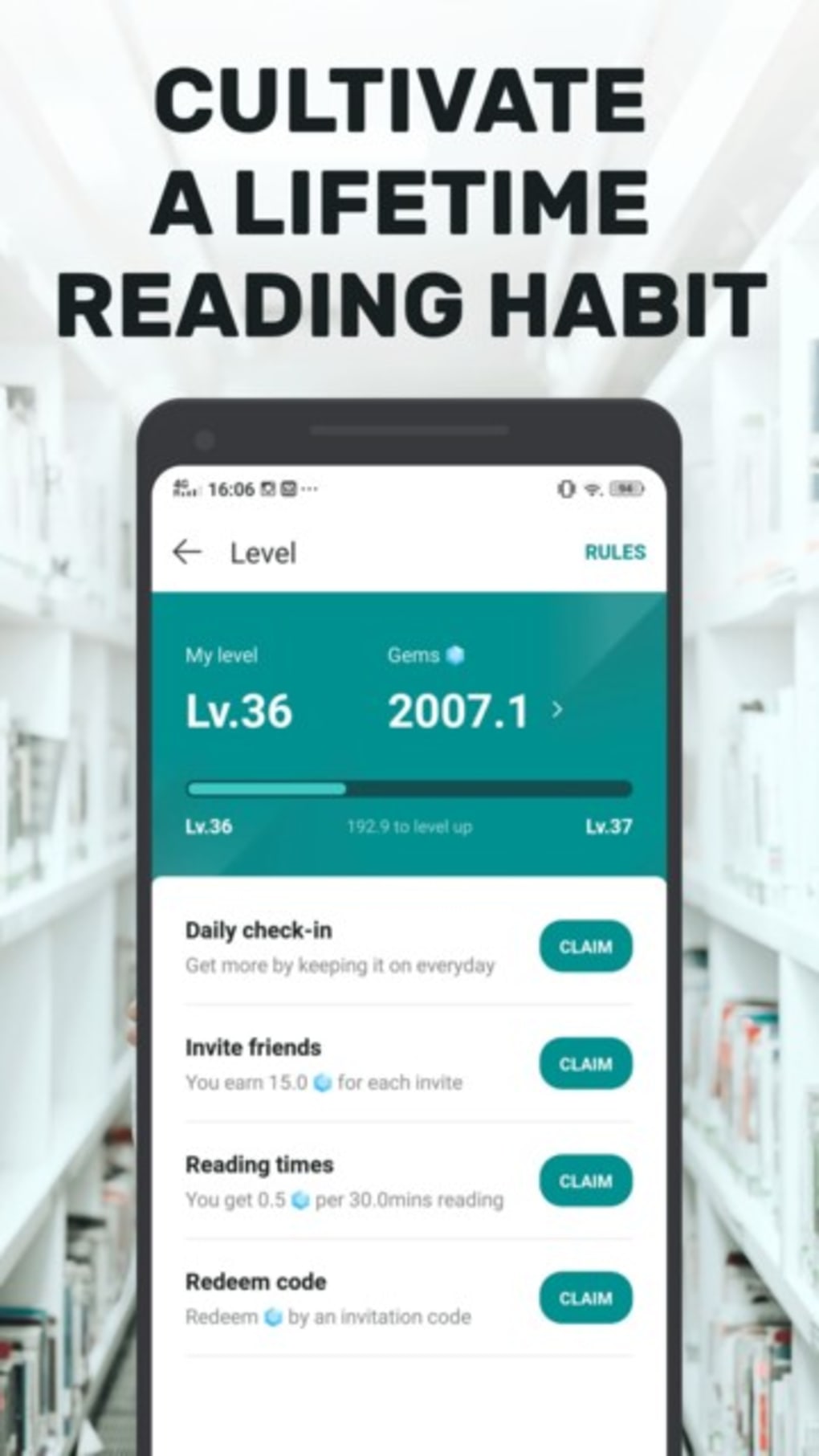
- Reading Rewards System: Earn in-app gems for reading, which may be used to unlock additional features or incentives, encouraging consistent engagement.
- Direct Download & Read: Books can be downloaded directly within the app and opened for immediate reading, eliminating the need for external tools.
User Interface, Workflow & Performance
The user interface of AnyBooks is designed with simplicity and efficiency in mind. The main screen displays a curated selection of available books, enabling quick browsing and immediate access to new reads. Navigation is intuitive, with clearly labeled sections and minimal clutter, allowing users to locate content without confusion. The reading interface is streamlined, offering essential controls such as page turning, font adjustment, and theme switching. Workflow efficiency is enhanced by the direct download and read functionality, reducing steps between discovery and reading. The app maintains a consistent performance pattern typical of lightweight Android applications, though exact performance metrics were not specified. The developer did not provide information on CPU or RAM usage, nor details on stability under prolonged use. General observations suggest the software operates smoothly on standard Android devices, but actual behavior may vary based on device specifications and background processes. No reports of crashes or freezes were mentioned in the provided data. Users can expect a stable experience for standard reading tasks, with minimal lag during navigation and page transitions.Compatibility & System Requirements
AnyBooks is designed for the Android operating system and is compatible with devices running Android 5.0 and above. The installation package is approximately 15.5 MB, indicating a lightweight footprint suitable for devices with limited storage. The developer did not specify exact hardware requirements, such as minimum RAM or processor speed. It is likely optimized for mid-range and newer Android smartphones and tablets. The app does not support desktop operating systems such as Windows or macOS. Platform compatibility information is limited to Android. Users should ensure their device meets basic Android system standards to install and run the application. No additional system requirements were provided by the developer. The software is distributed as an APK file, which may require enabling installation from unknown sources in device settings.Pros and Cons
- Free access to a large library of e-books across multiple genres and languages
- Customizable reading interface with font size, brightness, and theme adjustments
- Supports offline reading for uninterrupted access
- Auto-Night Theme improves reading comfort in low light
- Direct download and in-app reading eliminate external steps
- Reading rewards system encourages consistent use
- Lightweight installation size (15.5 MB)
- Only available for Android devices, no desktop or iOS support
- No detailed system requirements provided
- Performance data on CPU or RAM usage not disclosed
- APK installation may require user permission adjustments
- App may not be available on official app stores
FAQ Section
Is AnyBooks available for Windows or Mac?
AnyBooks is currently designed for Android devices only. There is no official version available for Windows, macOS, or other desktop operating systems.
Can I read books offline with AnyBooks?
Yes, AnyBooks supports offline reading. Once a book is downloaded, it can be accessed without an internet connection.
Is AnyBooks safe to download and use?
The app is described as secure and free to use. However, since it is distributed as an APK file, users should ensure they download from trusted sources to avoid potential risks.
Does AnyBooks require an internet connection to read books?
Once a book is downloaded, no internet connection is required for reading. However, an internet connection is needed to browse the library, download new books, or access online features.
What types of books are available on AnyBooks?
AnyBooks offers a wide variety of genres, including fiction, reference, romance, suspense, history, lifestyle, and more. Books are available in multiple languages, including English, French, German, Spanish, and various Indian languages.
Final Thoughts
AnyBooks presents a compelling solution for readers seeking free, accessible, and customizable e-book access on Android devices. Its extensive library, multi-language support, and user-friendly interface make it a strong contender in the digital reading space. The ability to read offline, adjust reading settings, and earn rewards for consistent use adds significant value. While the lack of desktop compatibility and limited system requirement details may be drawbacks for some users, the app’s lightweight design and free model outweigh these concerns for mobile readers. It is particularly beneficial for students, casual readers, and language learners who prioritize convenience and affordability. With its focus on usability and accessibility, AnyBooks stands out as a practical tool for modern reading habits. Download AnyBooks now and start exploring a world of knowledge and entertainment at your fingertips.Guides & Tutorials for Anybooks APK
How to install Anybooks APK
- Click the Preview / Download button above.
- Once redirected, accept the terms and click Install.
- Wait for the Anybooks APK download to finish on your device.
How to use Anybooks APK
This software is primarily used for its core features described above. Open the app after installation to explore its capabilities.
User Reviews for Anybooks APK 0
No reviews found





